Applivery for Figma: an Android app's design, as variables, styles and pages
From the phone
to your canvas.
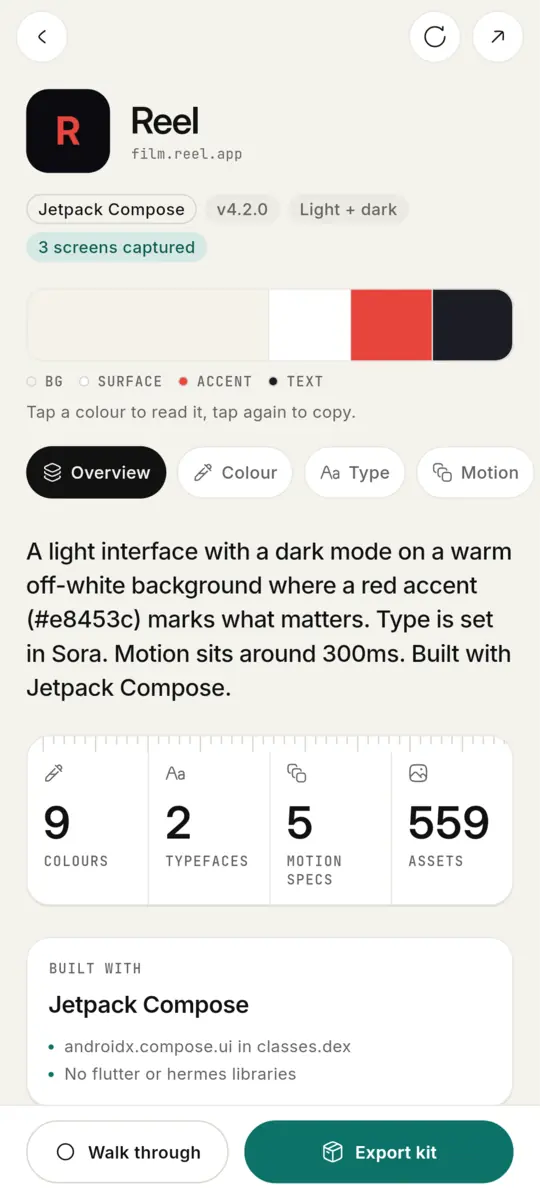
Applivery takes an Android app apart on your phone. The plugin puts it back together in Figma: its colours as Light and Dark variables, its type as text styles, its components and screens, and its motion you can play.
v0.1.132 · 221 KB · Free: colours, type, screens · Pro: assets and motion · Figma desktop
Try it
Press Import. Watch a kit become a Figma file.
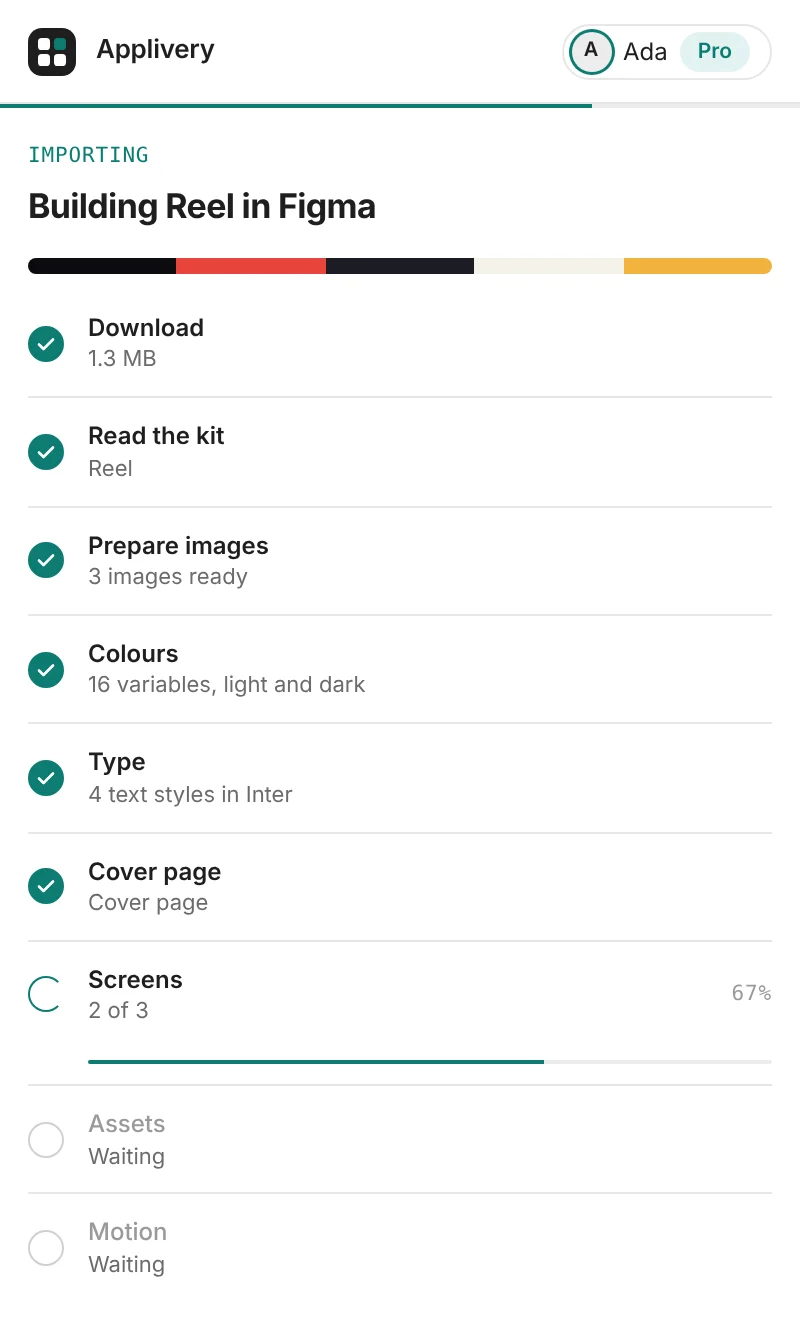
The plugin's real steps for a kit sent from the app. Pick what comes in, import, then open any page of the file.
PAGES
An empty file.
Pick what comes in, then press Import.
- DownloadWaiting
- Read the kitWaiting
- Prepare imagesWaiting
- Read each screen into layersWaiting
- Read recorded motionWaiting
- ColoursWaiting
- TypeWaiting
- ComponentsWaiting
- ScreensWaiting
- AssetsWaiting
- MotionWaiting
- Cover, Get Started, ChangelogWaiting
Press Import, or scroll and watch
How it gets there
From the app you studied to the file you design in.
- 01
Send it from your phone
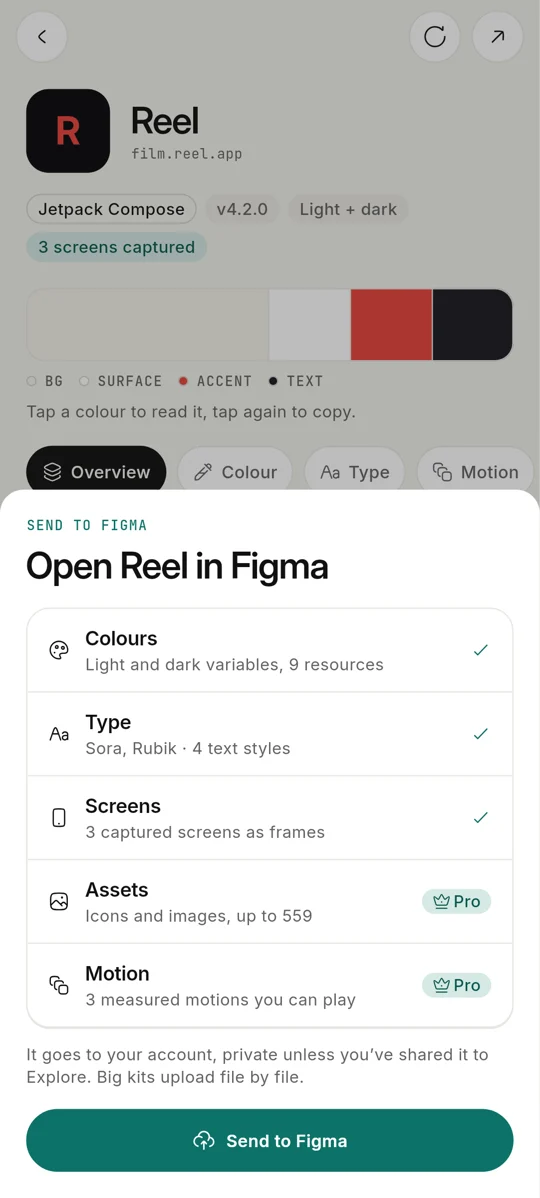
In Applivery, open a kit → Export → Send to Figma. It uploads file by file, so big kits get there too.
- 02
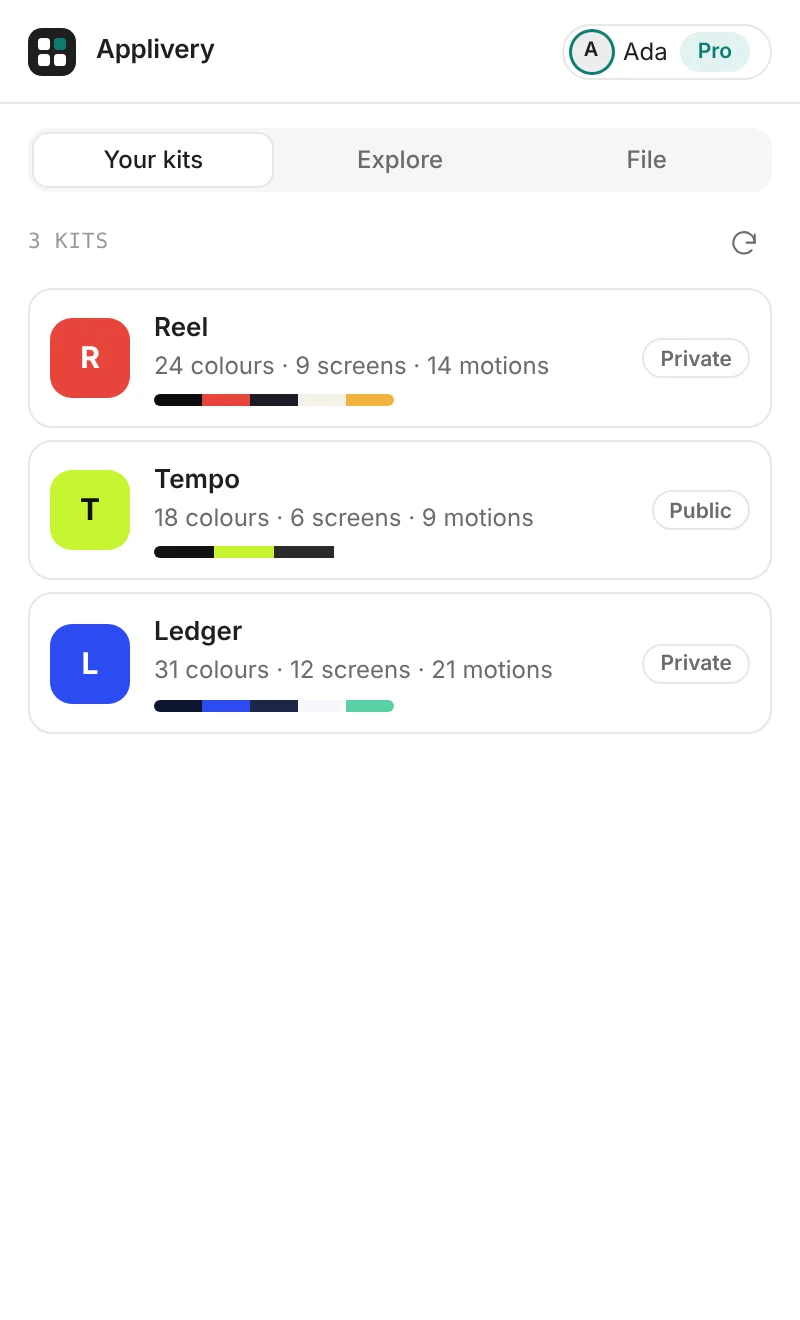
Pick it in Figma
Open the plugin and sign in with the same account. Your kits are waiting, each in its app's colours.
- 03
Watch it build
Choose what comes in and press Import. Every part shows its own progress, then you land on the cover.
01 / 03 · Send it from your phone
What lands in Figma
Real variables and styles. Not a screenshot of them.
Each part as Figma has it. Point at anything below: it selects like a frame and plays like the real thing.
Colours
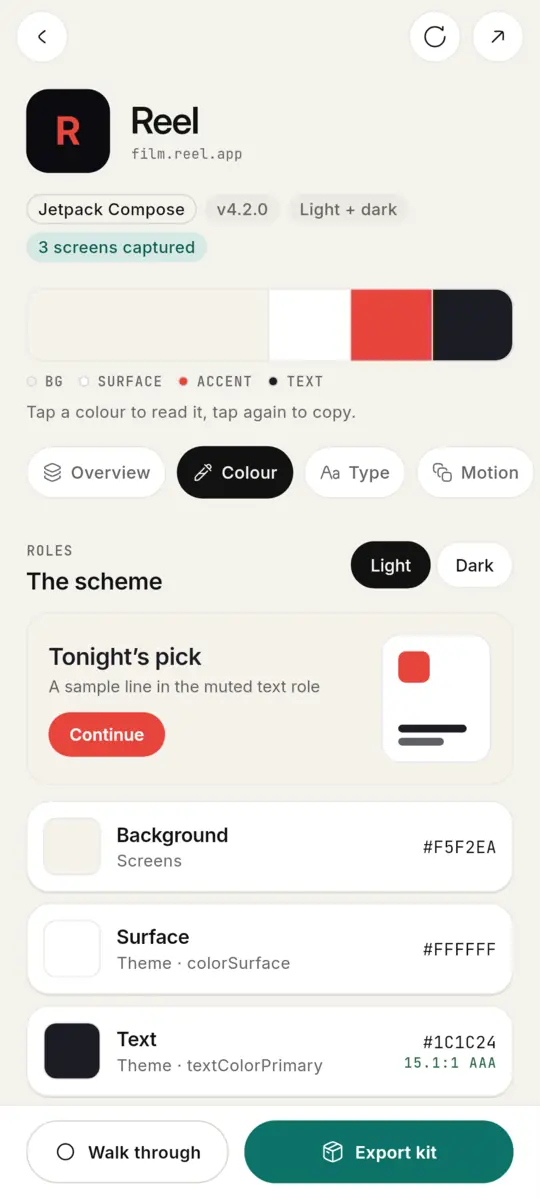
NAMErole/backgroundrole/surfacerole/textrole/text-mutedrole/accentrole/borderColours, light and dark
FreeEvery role and colour resource as a variable with Light and Dark modes. Switch a frame's mode and it restyles.
Type
AaText styles
FreeEach text size as a style in the app's family, bound to size variables. Missing fonts fall back to Inter, and it tells you.
Screens
Screens
FreeThe screens you walked through, as frames at their real size, built from the kit's components.
Assets
Assets
ProThe app's icons as components and its images, ready to drag in.
Motion
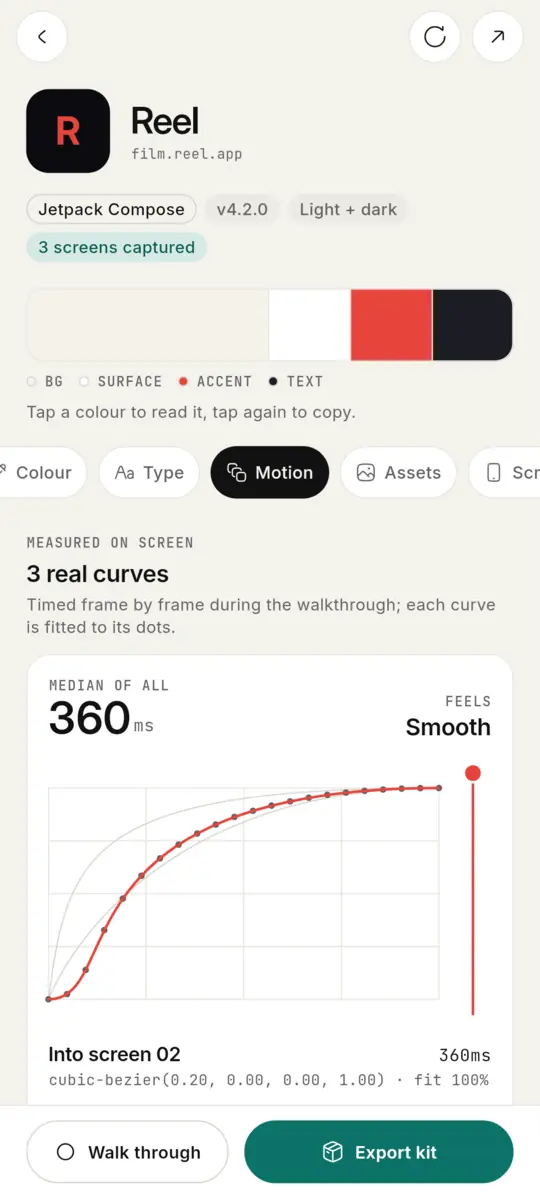
360ms · cubic-bezier(0.2, 0, 0, 1)Motion
ProEach measured motion as a card you play in Present, with its real curve and duration.
Install
In Figma in a minute.
It runs in the Figma desktop app, on any plan. Colours, type and screens are free; assets and motion come with Applivery Pro.
Study it on the phone.
Design with it in Figma.